
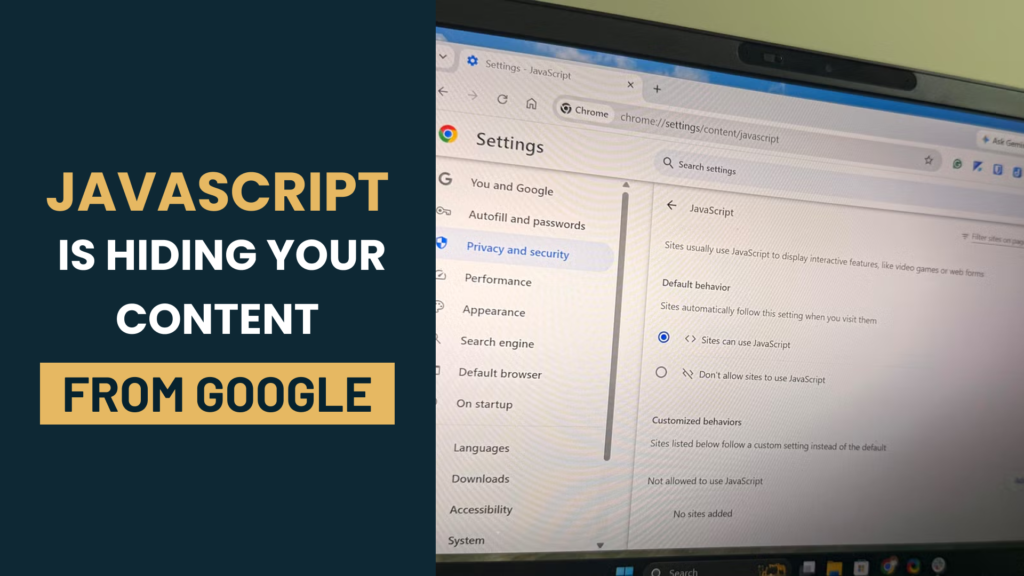
Modern websites increasingly rely on JavaScript frameworks to build interactive, dynamic experiences. While this benefits usability, it introduces a risk that many businesses overlook: if Google cannot render that JavaScript correctly, important content may never be indexed, regardless of how well it is written. This is a common blind spot even for businesses that have invested heavily in design and development through a web development company in india, and it can quietly suppress search performance for months before anyone notices.
How Google Processes JavaScript-Heavy Websites
Unlike static HTML, JavaScript-rendered content requires Google to crawl the page, queue it for rendering, execute the JavaScript, and then index the resulting content. This happens in two waves: an initial crawl of the raw HTML, followed by a rendering pass that can happen hours or even days later. If rendering fails or times out at any point in this process, the content that depends on JavaScript may never make it into Google’s index.
Common JavaScript Rendering Problems
Delayed or Client-Side-Only Content Loading
Content that loads only after a user interaction, or that depends on client-side API calls completing within a limited render window, can be missed entirely. If Google’s renderer times out before the content appears, that section of the page is effectively invisible to search.
Blocked JavaScript or CSS Resources
If robots.txt or server configuration blocks Googlebot from accessing JavaScript or CSS files needed to render the page, Google may see a broken or incomplete version of the page, similar to how a browser would fail to load it correctly with those resources disabled.
Render Budget and Crawl Timing Issues
Large or complex websites can exceed the rendering resources Google allocates to a site during a given crawl session, particularly if pages are slow to execute JavaScript. This can lead to inconsistent indexing, where some pages render correctly and others do not, without any clear pattern from the business’s side.
How This Affects Search Performance
The impact is often subtle rather than dramatic: pages may still appear in search results using thin, generic snippets pulled from whatever content did render, while product details, service descriptions, or blog content trapped behind JavaScript go unindexed. This shows up as a mismatch between the quality of content a business believes it has published and the traffic or rankings that content actually generates.
How to Identify and Fix Rendering Issues
The URL Inspection tool in Google Search Console shows exactly how Googlebot renders a given page, making it possible to compare that rendered version against what a real visitor sees in a browser. Common fixes include server-side rendering or pre-rendering for critical content, ensuring JavaScript and CSS files are not blocked, and avoiding excessive reliance on client-side rendering for content that needs to rank. This is technical work best handled jointly by a web development company in india and a seo agency in india, since fixes usually touch both code and crawl configuration.
Conclusion
JavaScript rendering problems are easy to miss because the website looks and functions perfectly for real visitors, while quietly underperforming in search. Regular checks using Search Console, combined with development practices that prioritise render reliability, help ensure that content built with real effort actually gets indexed and ranked. Any digital marketing agency in india managing SEO for a JavaScript-heavy site should include rendering checks as a standard part of technical audits.
Get in Touch
If this is affecting your website’s performance, our team at DigitalVia can review your setup and put together a clear plan to fix it. As a digital marketing company in indore serving clients across India, we combine SEO, paid advertising, web development and design to help businesses turn traffic into real business results.
Phone: +91-9977007005
Email: info@digitalvia.in
Office: Office No.412, Silver Mall RNT Marg, Indore (MP) – 452001
Visit our Contact Us page to schedule a free consultation, or learn more about our team on the About Us page.


